
Aperi’CTF 2019 - Robot Cipher
Détails du challenge
| Event | Challenge | Category | Points | Solves |
|---|---|---|---|---|
| Aperi’CTF 2019 | Robot Cipher | Matériel | 175 | 2 |
L’entreprise “MetalHead” utilise une solution de chiffrement hardware “Next Gen”. Vous avez été mandaté pour vérifier la robustesse de cette solution.
Challenge:
- Robot.png - md5sum: 9be15749b7c8276113452dbefd4a154a
- Cipher - md5sum: e44b002660a92efd5fe555b0dc7999ce
TL;DR
Robot.png était une image d’un LFSR (linear feedback shift register) et Cipher était un fichier xoré avec le flux du LFSR.
Méthodologie
Comprendre l’image
Pour commencer, jetons un œil au fichier Robot.png :

On peut voir une « boucle » avec 16 registres en bas, et des portes en haut.
Cette image ressemble à un Linear Feedback Shift Register (LFSR) qui est un Pseudo-Random Number Generator (PRNG).
En regardant de plus près, on peut récupérer l’état initial de chaque registre : 0,0,0,0,0,1,0,0,0,0,1,0,0,1,0,0.
Coder le LFSR
Pour récupérer le flux du LFSR, j’ai décidé de le re-coder en Python :
#!/usr/bin/env python3

import sys
assert sys.version_info[0] == 3  # ==> Run in Python3 only ;)

outbin = ''
for i in range(100):  # get 100 bits
    new = r[0] ^ int(not (int(not r[7]) ^ ( r[13] ^ r[15] )))  # Next step
    outbin += str(r[-1])  # Get output
    r = [new]+r[:-1] # Update registers

print(outbin)  # print 100 bits from LFSR stream
XOR avec le fichier
Il nous faut maintenant déchiffrer le fichier. Nous allons utiliser la manière « simple » la plus courante pour chiffrer avec un flux : l’opération xor. Voici le script Python final :
#!/usr/bin/env python3

import sys
assert sys.version_info[0] == 3  # ==> Run in Python3 only ;)

input = r"Cipher"
output = r"Cipher.png"

r = [0,0,0,0,0,1,0,0,0,0,1,0,0,1,0,0] # registres


with open(input,"rb") as f:
    binary = ''.join([bin(l)[2:].zfill(8) for l in f.read()])  # File in "binary"

outbin = ''
for b in binary:
    new = r[0] ^ int(not (int(not r[7]) ^ ( r[13] ^ r[15] )))  # Next step
    outbin += str(int(b) ^ r[-1])  # Xor with output bit
    r = [new]+r[:-1] # Update registers


out = bytes([int(outbin[z:z+8],2) for z in range(0,len(outbin),8)])  # "binary" to bytes

with open(output,"wb") as f:
    f.write(out)
Et voici le fichier de sortie (un fichier PNG) :
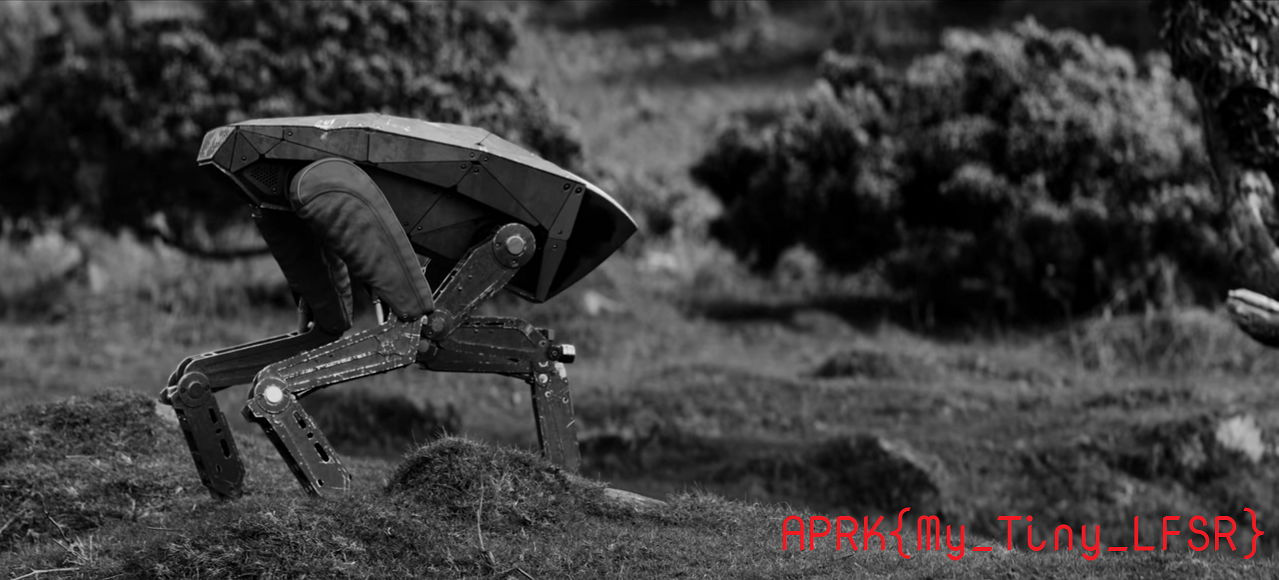
Flag
APRK{My_Tiny_LFSR}